Our favourite accessibility tools
Our favourite accessibility tools help designers and developers catch issues early and work more efficiently. They include browser extensions such as WAVE and axe DevTools for quick checks, the Colour Contrast Analyser for testing colour combinations, and screen readers like NVDA and VoiceOver for experiencing a site as blind and partially sighted users do.
It can be difficult to keep on top of everything. There's a lot to consider. Clean code, alt text, clear language and much more all contribute to a website’s overall accessibility and the tools discussed in this article can help you to stay on top of it.
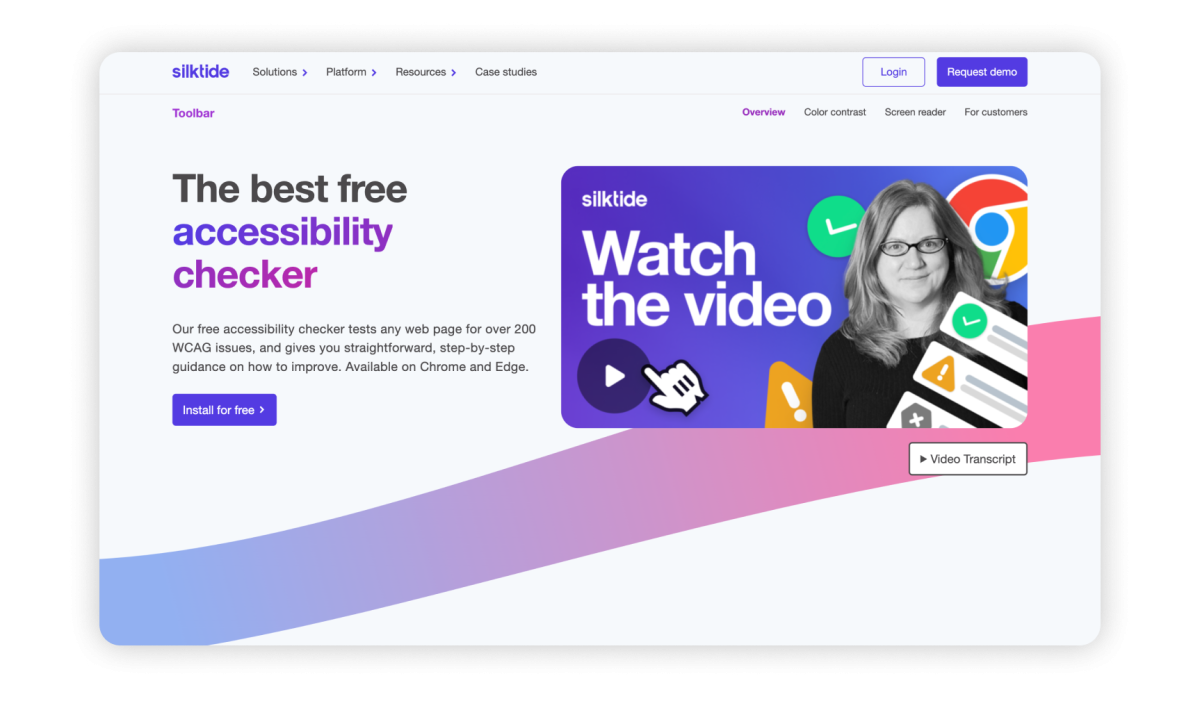
Silktide accessibility checker
The Silktide accessibility checker is a Google Chrome extension that performs single-page tests on any page for accessibility, marketing, privacy, and user experience.
It also comes with built-in accessibility tools such as a colour contrast checker, an alt text checker, a screen reader, a focus order checker, simulations, and more.
JBi has an article on how to use automated and manual testing together to ensure your website is compliant.
WAVE evaluation tool
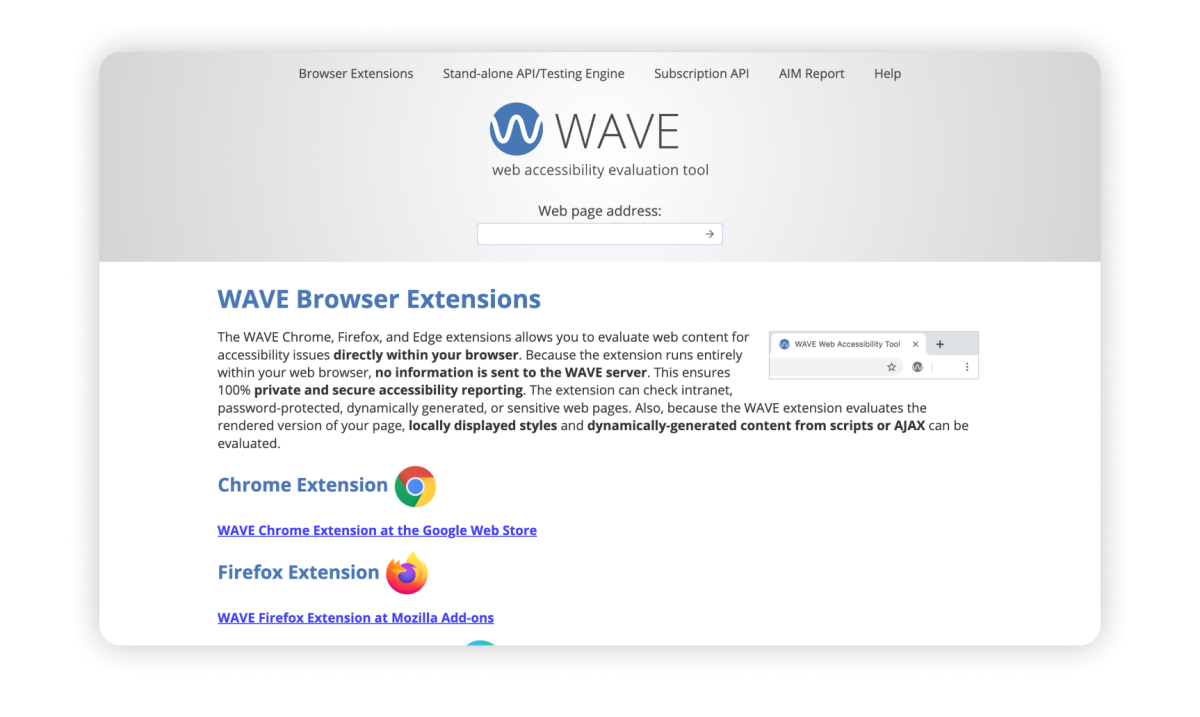
WAVE is a free Chrome extension that performs single-page checks and highlights accessibility errors, helping you identify areas that need improvement. It’s great for understanding what ARIA labels and roles have been used on your website.
NVDA screen reader
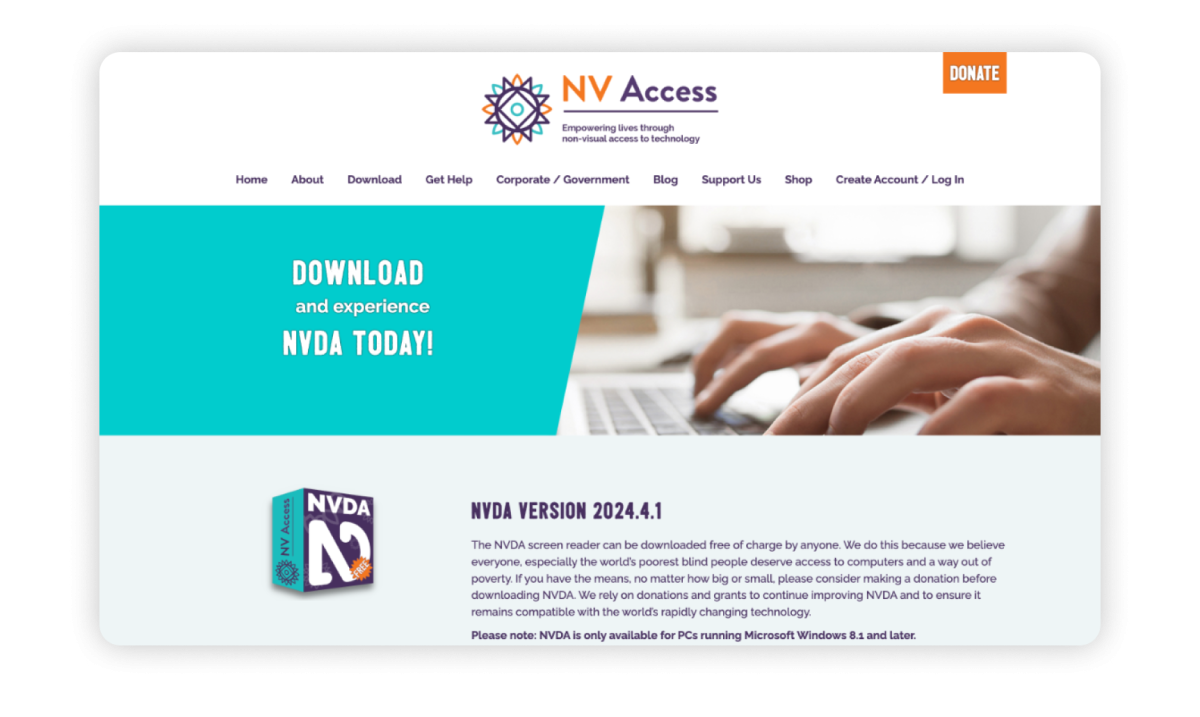
Whilst Mac and iOS devices come with an inbuilt and free screen reader (VoiceOver), this is not true for Windows machines. JAWS, the UK’s most popular screen reader, can cost up to £100 per year for users who need it, which is a high cost for some users. NVDA is a free, open-source screen reader for Windows that helps users with visual impairments navigate and interact with digital content.
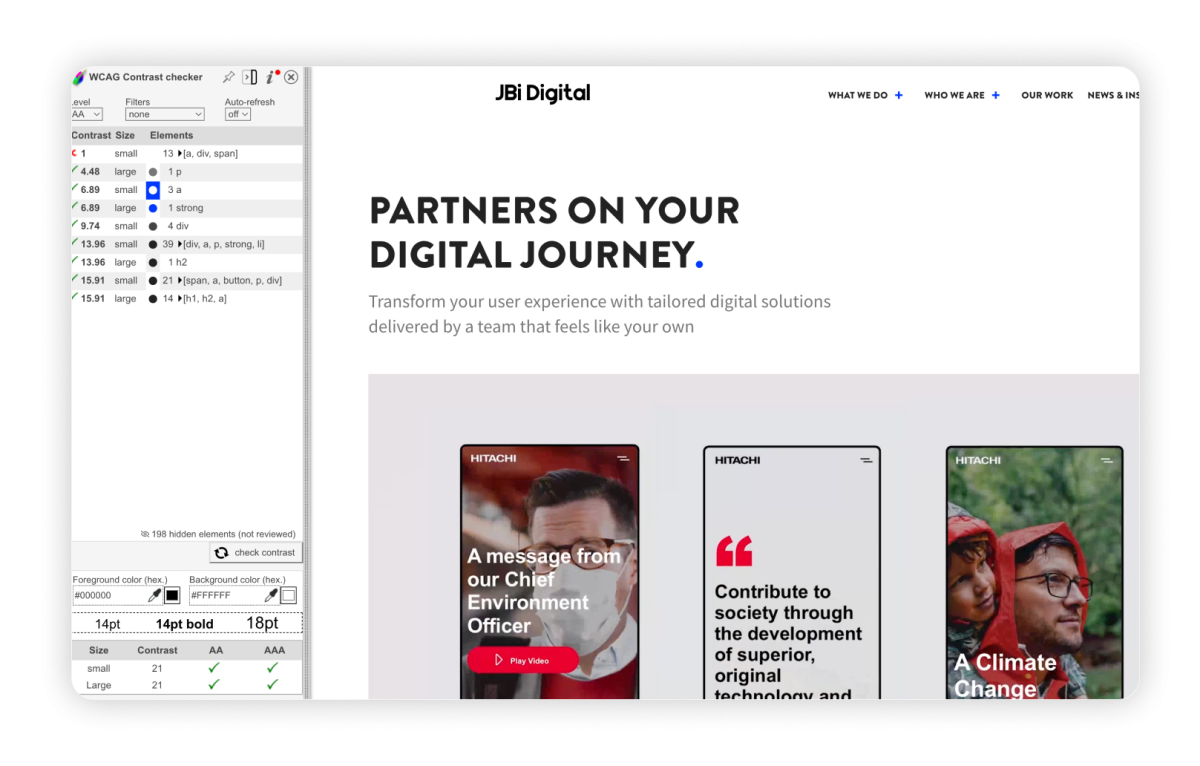
WCAG colour contrast analyser
It can be a pain trying to figure out which colour palettes are accessible, and this tool helps ensure you can check them easily and quickly. The WebAim Chrome extension checks the contrast ratio between any two colours on a webpage.
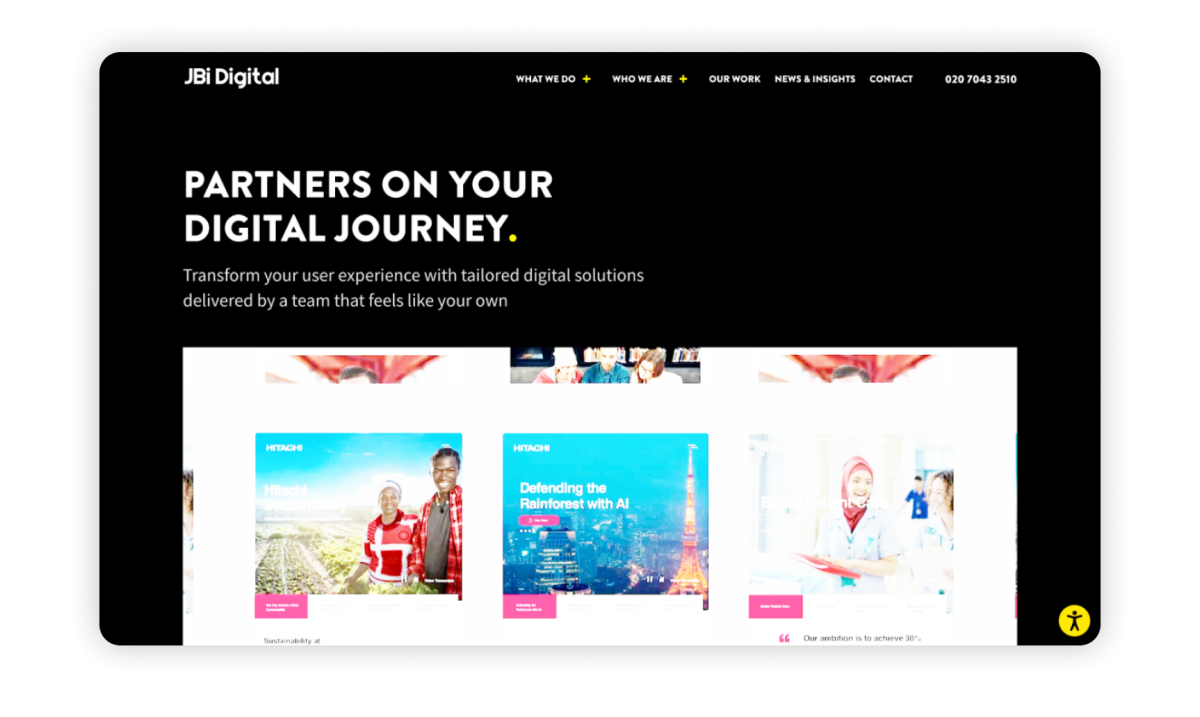
High contrast
High Contrast is a Chrome extension that allows users to apply high-contrast colour schemes to their browser. This is great for users with low vision or colour blindness, as you can apply different settings to improve the readability of any web page. Fan of browsing in dark mode? This is a great example of how accessibility tools can help us all, regardless of whether you have a disability or not, and this tool allows you to do that.
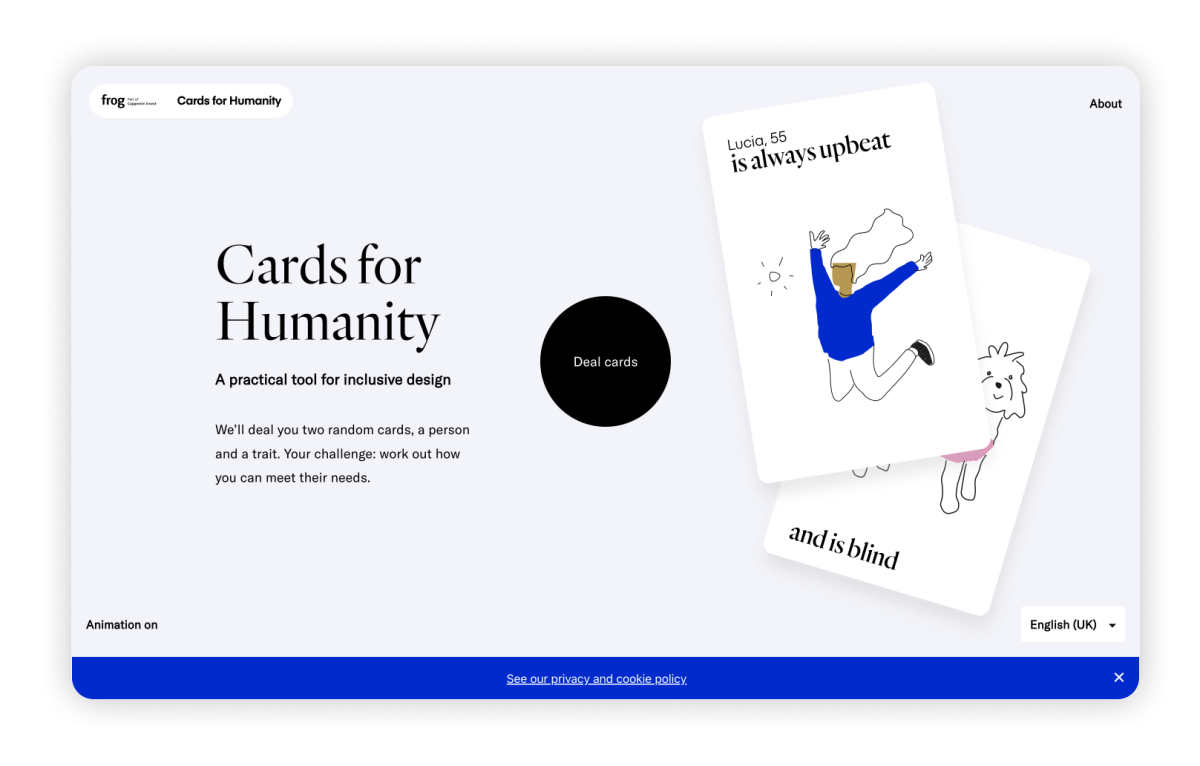
Cards for Humanity
This one’s for the UX designers. Cards for Humanity is a practical tool for inclusive design. It will deal you two cards: a person and a trait, and you can then work out if/how your product meets their needs. It’s particularly useful when creating user personas or designing usability scenarios. Plus, each card will explain what a user may need as a result of their traits and disabilities, so it’s a good learning resource too.
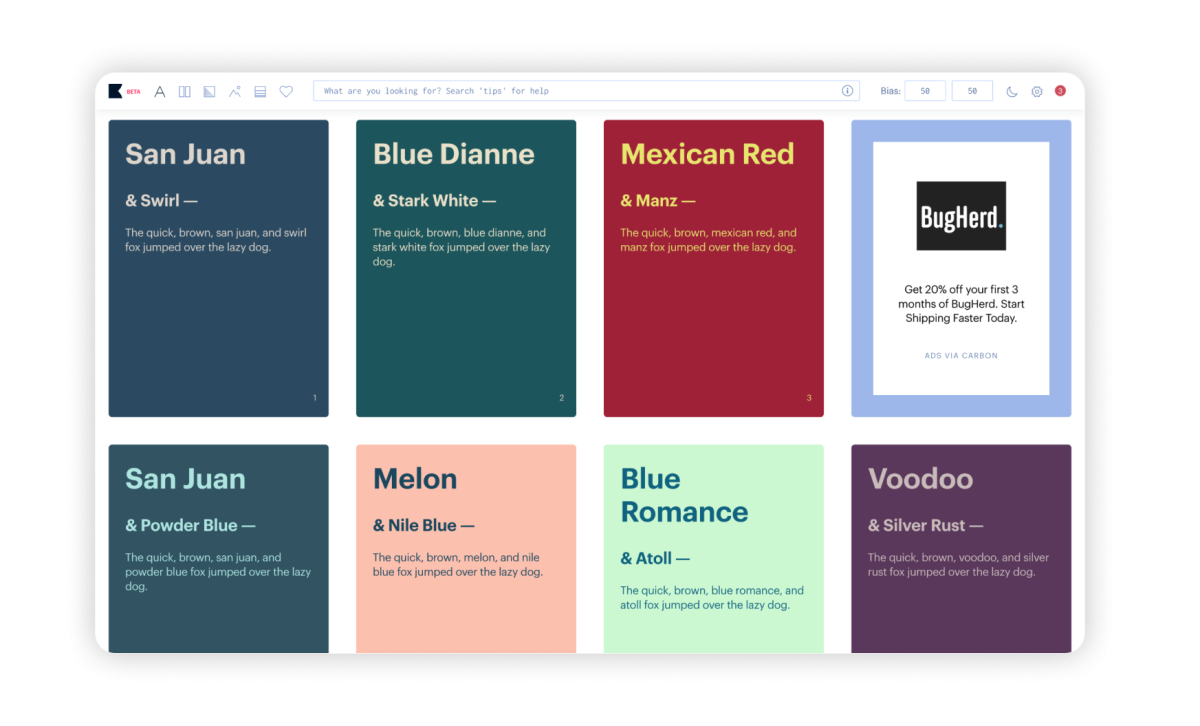
Khroma
And we haven’t forgotten the UI designers. Give Khroma an idea of your colour preferences and it will suggest to you great colour palettes for your designs. And, the best thing about it is that you can select ‘Never fail WCAG’ to make sure all its suggestions are AA accessible.
What can you do with these tools?
Remember, no one tool fits all; give a few a try and see what works for you. We hope you’ll find these tools as useful as we do.
If you’d like to discuss how to make your website more accessible, please get in touch by emailing hello@jbidigital.co.uk or by calling us on 0207 043 2510.
Similar Reads
Our latest news articles featuring company insights and what we have achieved so far