Workflow Considerations for Responsive Web Design

Responsive web design has revolutionized the way we look at new design projects and how they need to be treated differently. The need to ensure web sites are suitable for different sizes of browser and different devices means a significant change to the way in which we work.
The need to change our workflow processes is obvious – efficiency. The traditional approach simply doesn’t work for responsive web design. The need to resize and retest is significantly higher when you’re creating a product for several browser types and sizes. Responsive web design workflow is much more flexible and this is in keeping with the type of design itself.
Here we’re detailing just one of many suggested workflow orders which should work effectively for responsive web design projects.
Start with the Content
At the heart of all web design projects is the content and it has become even more so since the advent of responsive web design. Before you consider your structure when brainstorming you need to determine the prioritization of the content. The main difference you’ll see between using responsive design and websites which have been designed specifically for mobile use is the way they deliver content. Mobile-only websites are usually restrictive whilst responsive websites are designed to ensure all users have access to all the content a website has. One of the main problems web designers find when working with responsive design is content overflowing as the same amount of content needs to fit onto both desktop screens and mobile devices.
Individual Device Planning
Once you’ve got a clear picture of your client’s project requirements and the amount of content required then comes the decision to decide which design widths are needed and the number of devices to design for. Metal Toad have produced a simple Photoshop download to help with responsive design planning with different device resolutions and layouts detailed clearly for eaay decision making.
Design Platform
As a web designer you’ll need to decide whether you want to design in your chosen browser or use Photoshop or another design programme. The advantages of using the browser to design are significant since the growth of responsive design and it can prove quicker and provide real-time testing as you build the website. Designers who are able to use HMTL5 and CSS3 will find designing in browser extremely quick and efficient. Key decisions such as choice of colour palette and changing font sizes can be very quick too.
Most designers choose to first complete the desktop design and then work on further responsive versions, starting with the smallest mobile version of the website required, adjusting the original layout as necessary to appear most user-friendly and clear.
Don’t forget to Draft
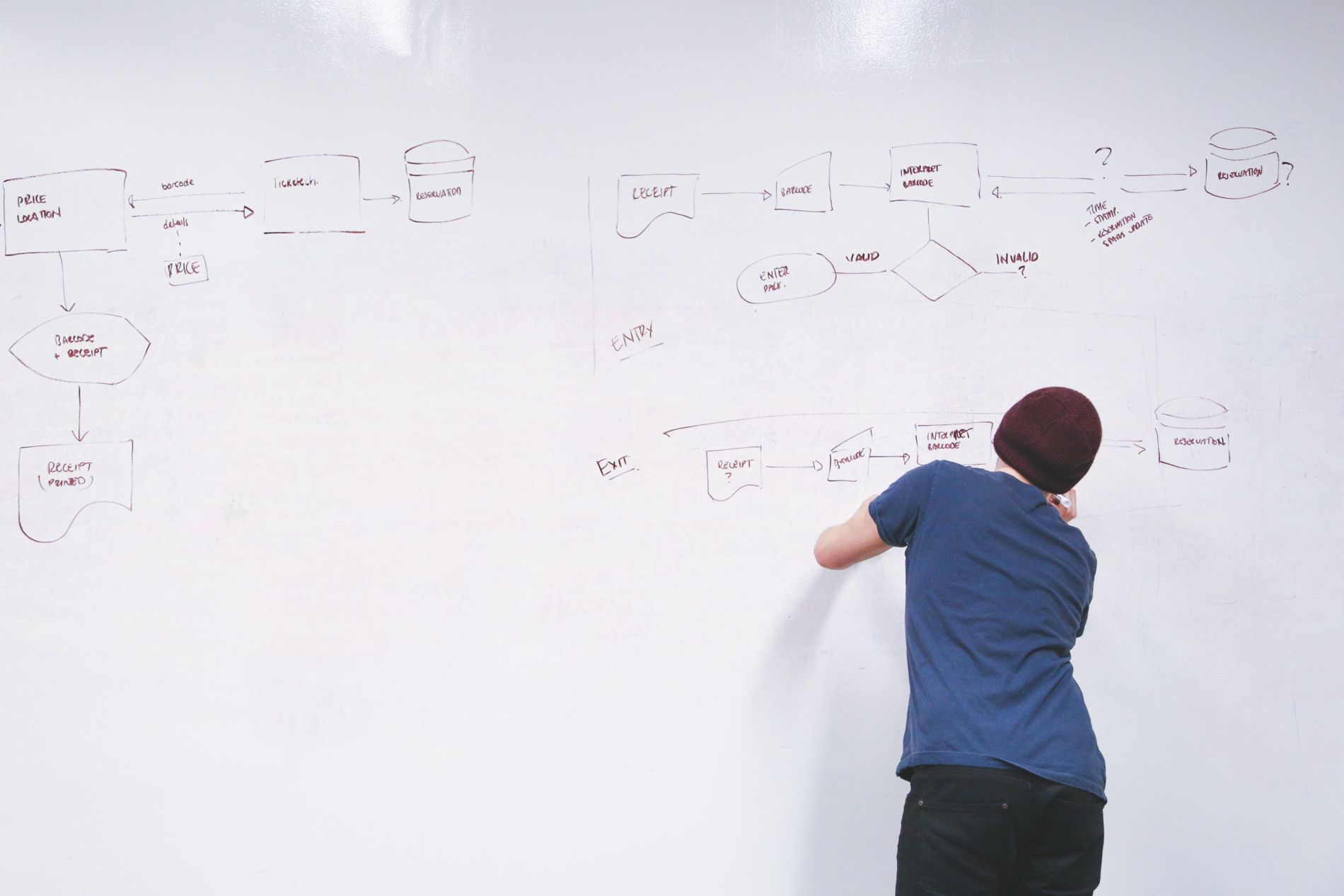
When designing responsive projects many designers jump straight in and begin working in the browser to complete their project. Never underestimate the power of drafting out your ideas on paper. Test ideas on paper first before you spend hours coding or you could be disappointed when the idea doesn’t come to fruition. Content placement challenges are rife when you have several screen sizes to consider. Sketch out your ideas and you can face these problems head on, before you’ve dedicated hours to CSS/HTML coding.
Design, Prototype, Test
Prototyping and testing are integral to the responsive web design process. The design is just the beginning and when you begin to put together responsive prototypes you’ll notice further pitfalls, instances of content overflowing and other slight changes that need to be made. Prototyping is simply the only way of seeing if your design works on different devices and then a test run of the site on the chosen devices will be the only way to see how the prototype will behave and display. This process has to follow in this way and once you’ve got the final product you’re looking for it, can be presented to the client.
Responsive web design is one of the newest yet most important concepts in the industry. There is no right way to work and your workflow processes are dependent upon your personal design technique and methods. Your processes might be different but we’ve found the above to work and be a success.

